Designing interactions and annotating designs for developers at UWBlueprint
Context
UW Blueprint (University of Waterloo Blueprint) is a student-run, pro-bono design and development organization at the University of Waterloo. Its mission is to build technology for social good by partnering with nonprofits and charities that might not have the resources to create their digital solutions.
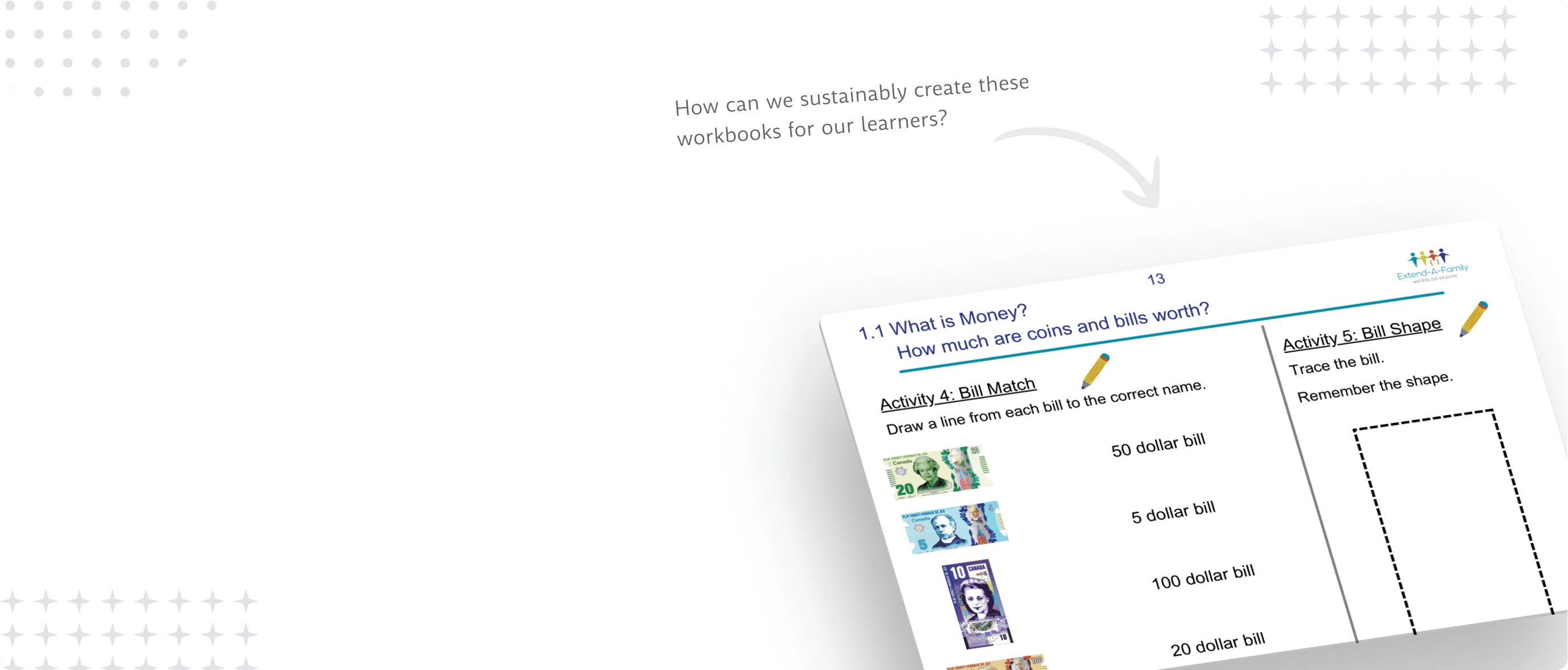
The team I'm a part of is called Extend-A-Family, a nonprofit that supports people with developmental disabilities through inclusive programs and services. Currently, we are helping Extend-A-Family build a financial literacy platform that will impact thousands of learners across Canada.
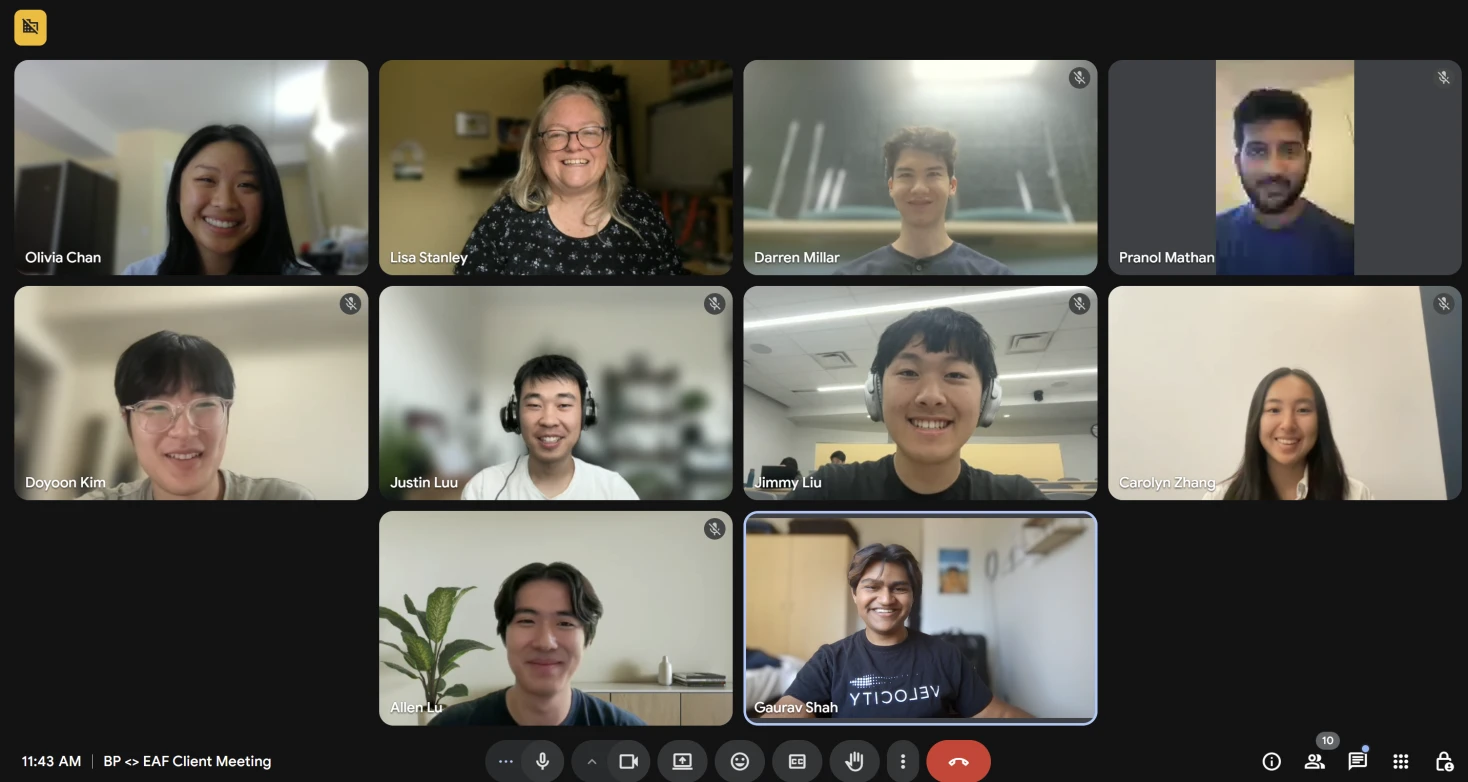
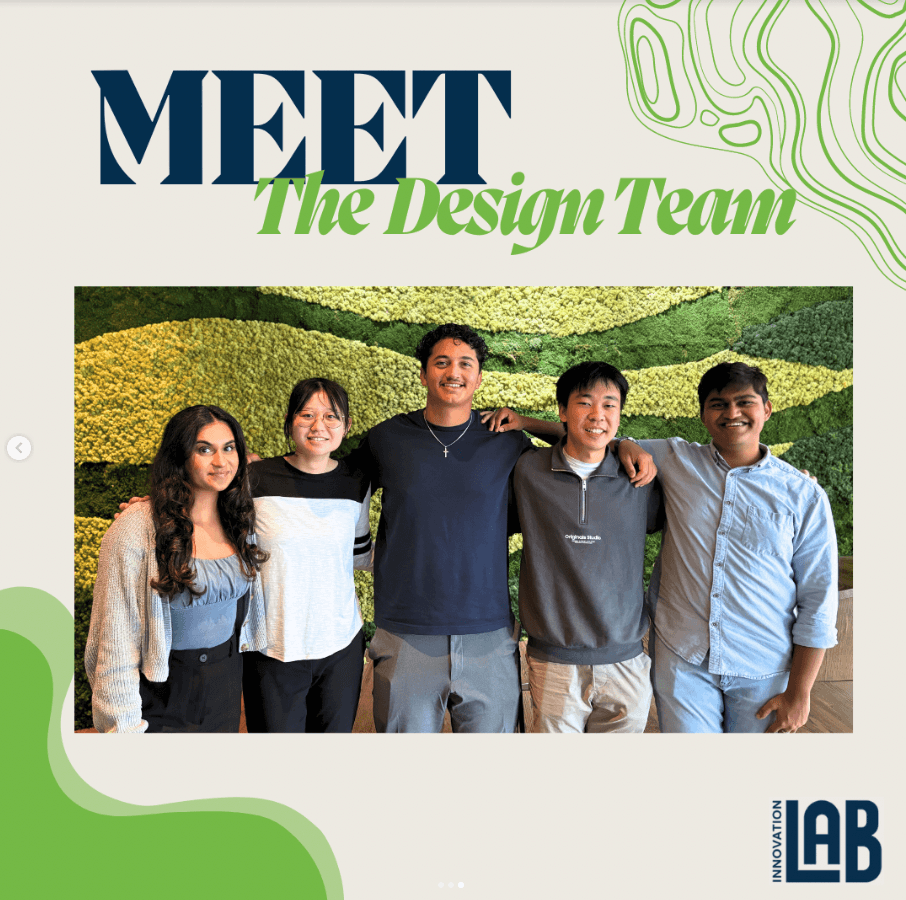
On the right is a screenshot of the last Blueprint and Extend-a-Family's Bi weekly meetings ;)
Skills
Interaction design
Product design
Developer hand-off
Project type
Real world project
Financial literacy platform
Team members
4 Designers
2 Product managers
7 developers
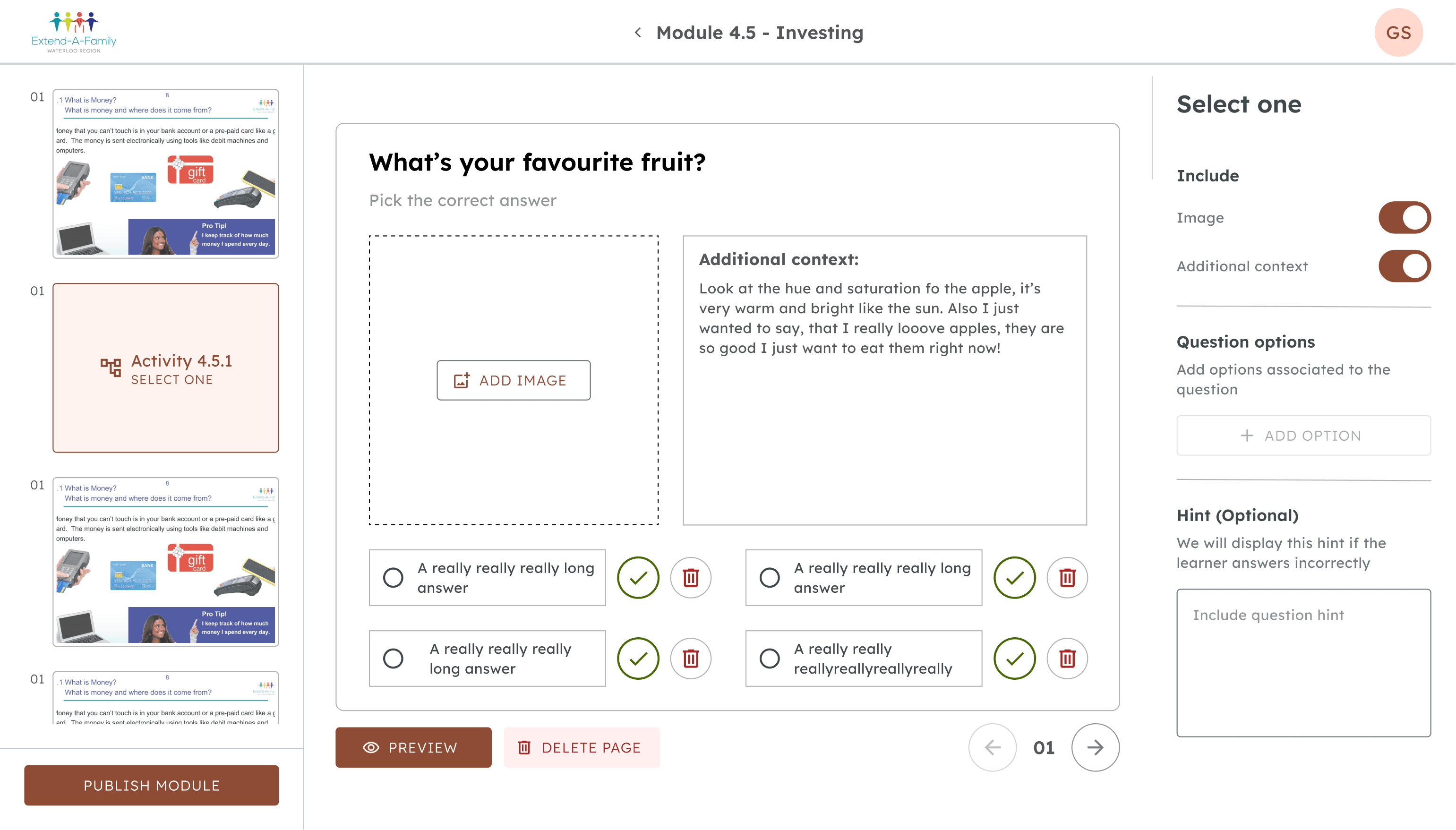

Design
At Extend-A-Family, there are 3 main user groups: admins, learners, and facilitators. While the main user group I was designing for was admins, I still had to consider the other two user groups.
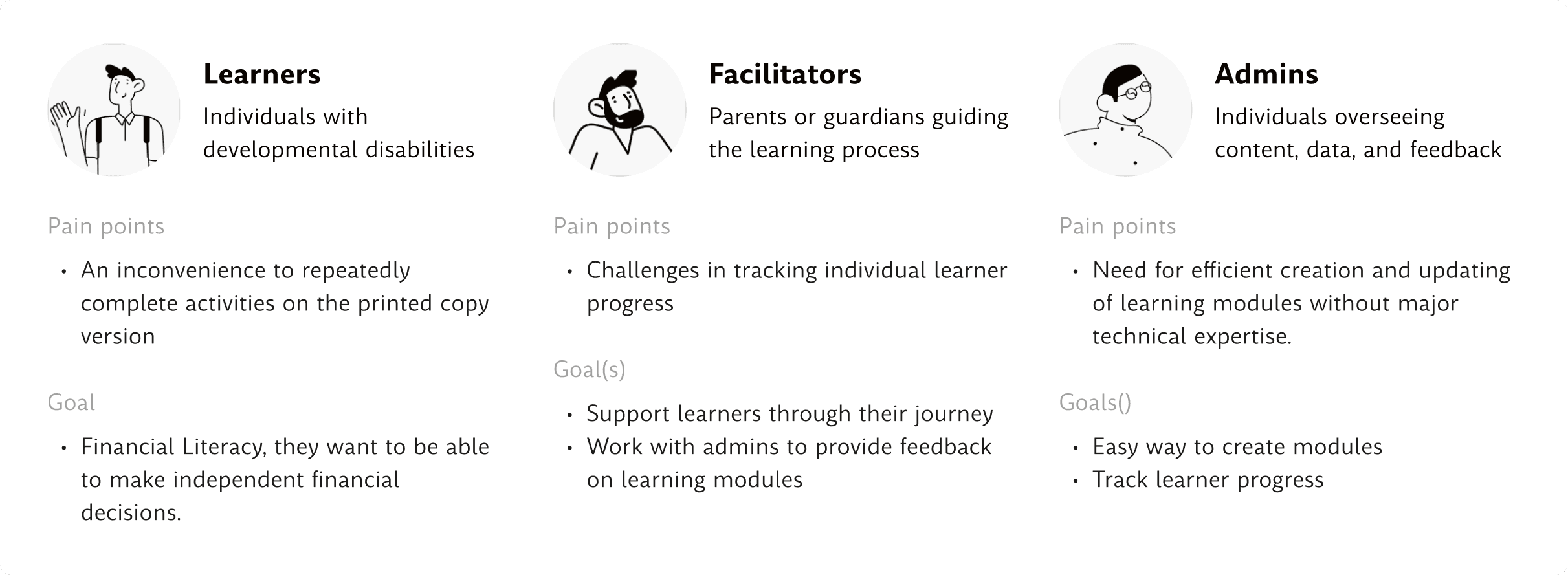
How did the users influence the design?
Due to the platform's interconnectedness, any design decisions made on the admin side had to be made with consideration of the learners in mind.
I had to be extra considerate about how I designed my screens and it's contents to account for learners with developmental disabilities. This meant ensuring proper touch targets, colour contrast, and hierarchy.
Early explorations
Working with a list of requirements and early explorations
When I first started the task, I was given a list of rough product requirements and some rough exploration work from the previous designer. My job was to turn these requirements into a tangible work solution.
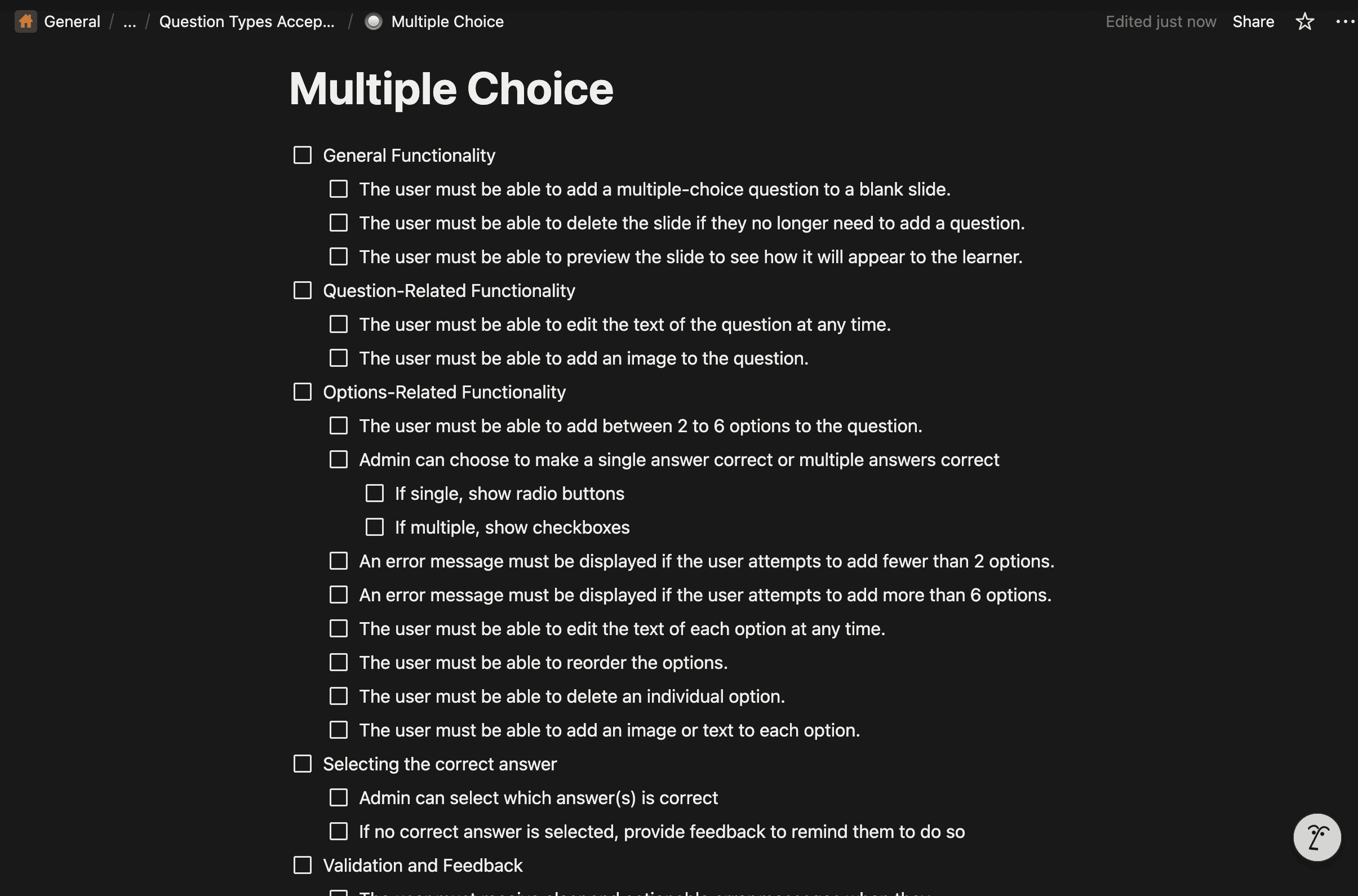
A list of product requirements
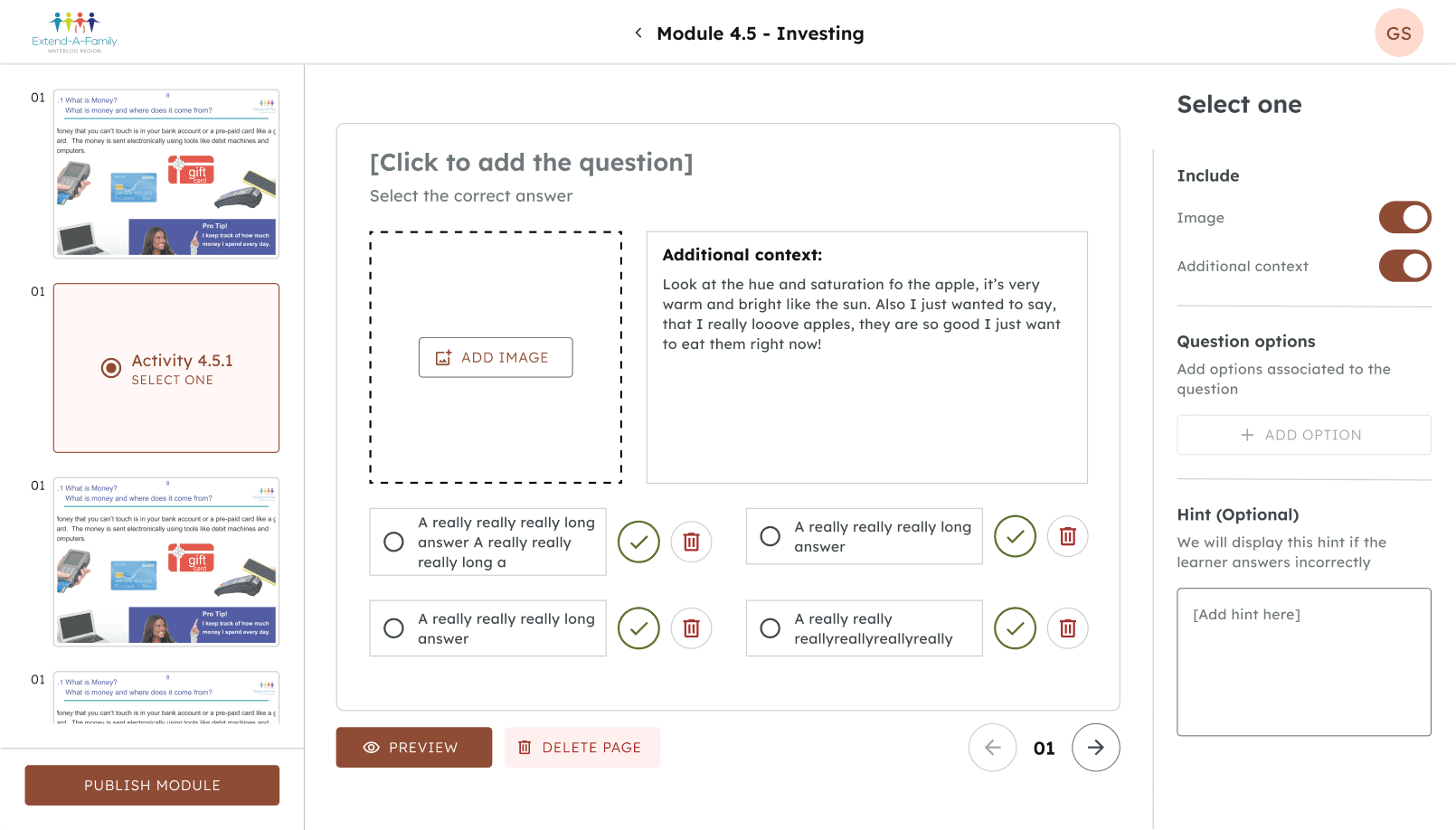
This image showcases a list of requirements for one of the activity types. I had a lot of freedom when it came to meeting these requirements, so the way I designed it was totally up to me.
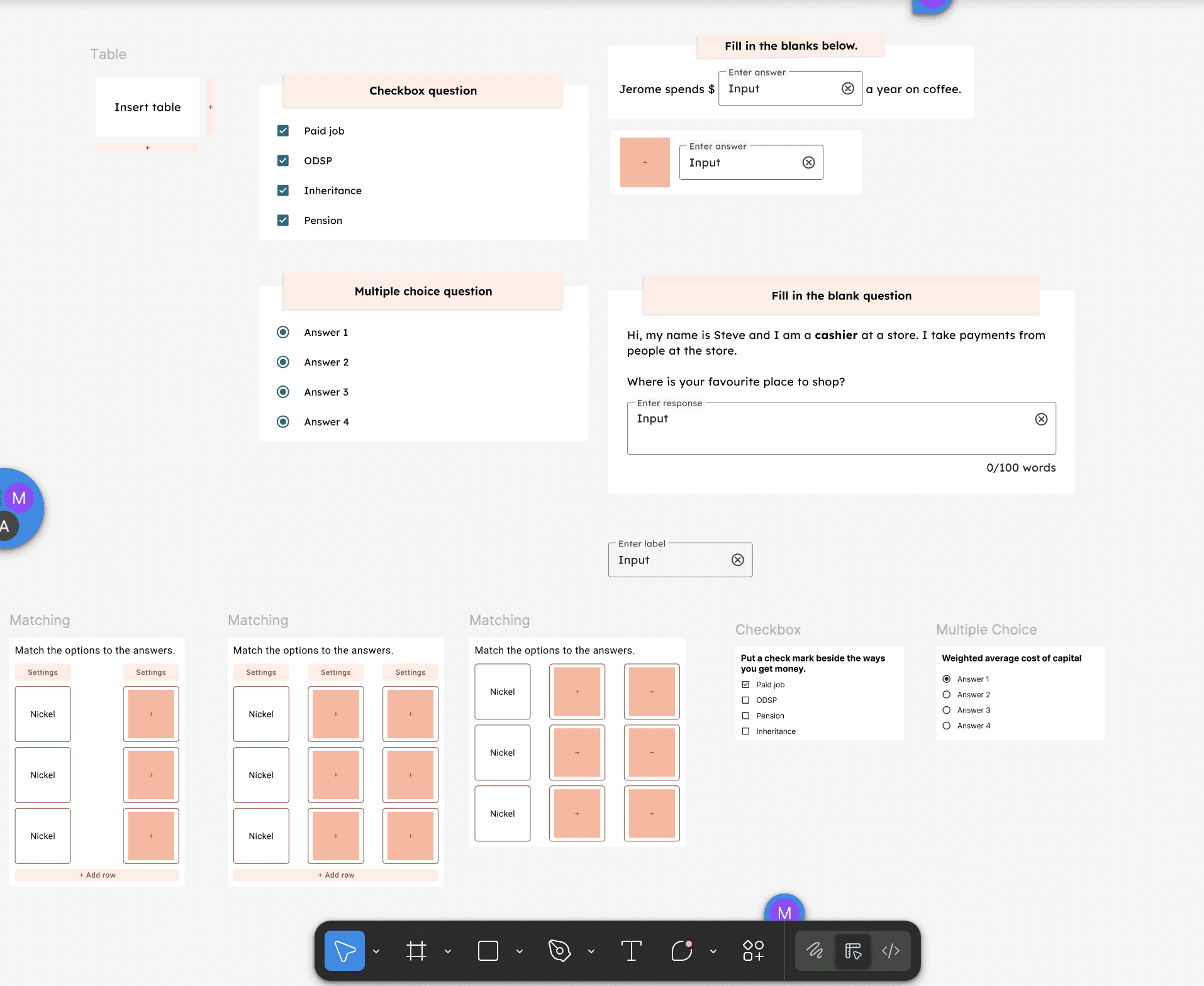
Previous designers work
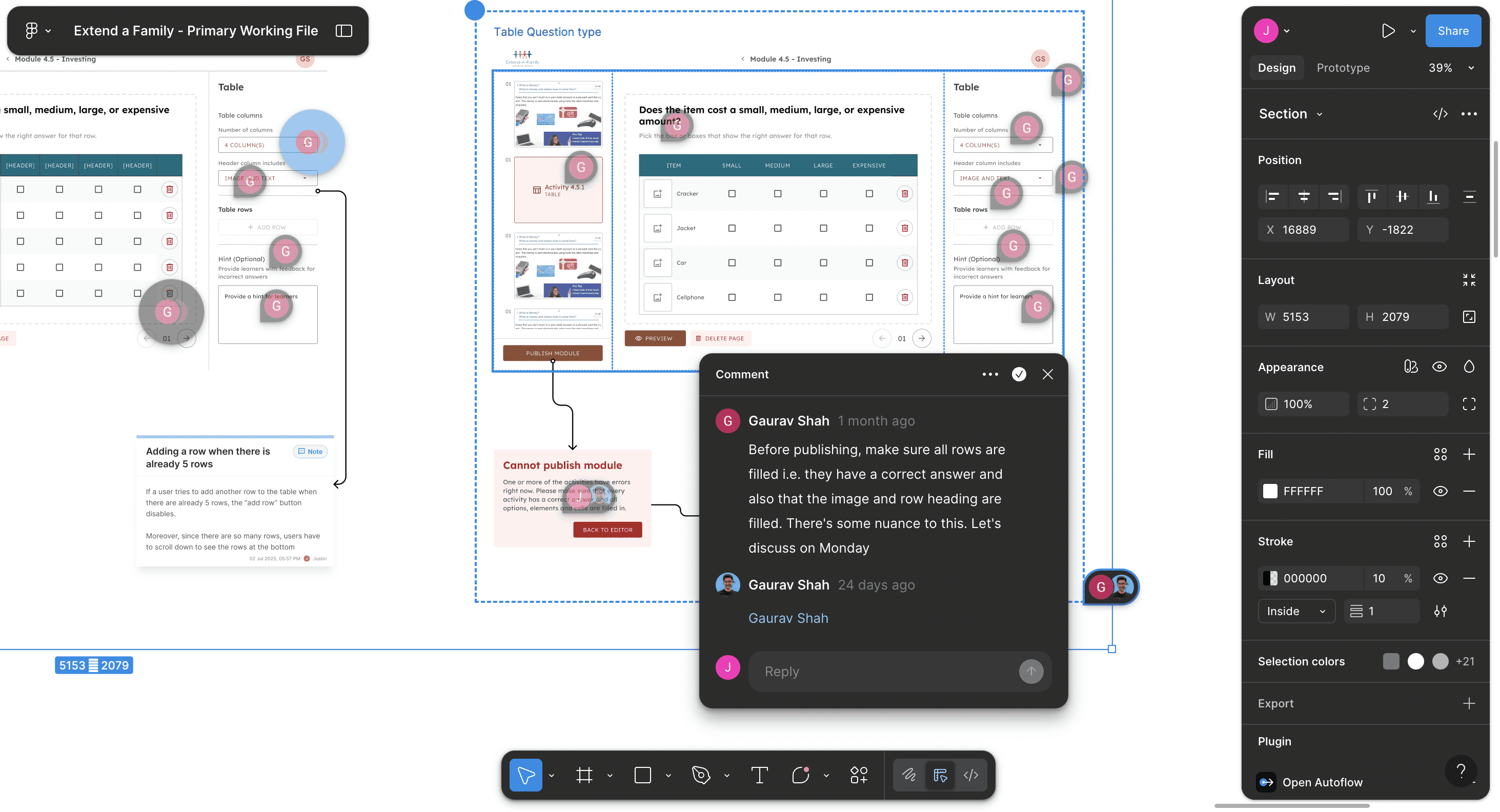
Along with the list of requirements, I took over the rough explorations that the previous designer had begun.
Here is a snapshot of my early designs explorations:
Early explorations
Big considerations when exploring design
While exploring design for the different activite types, I had to make many complicated design decisions to ensure the best user experience.
Side panel vs preview functionality
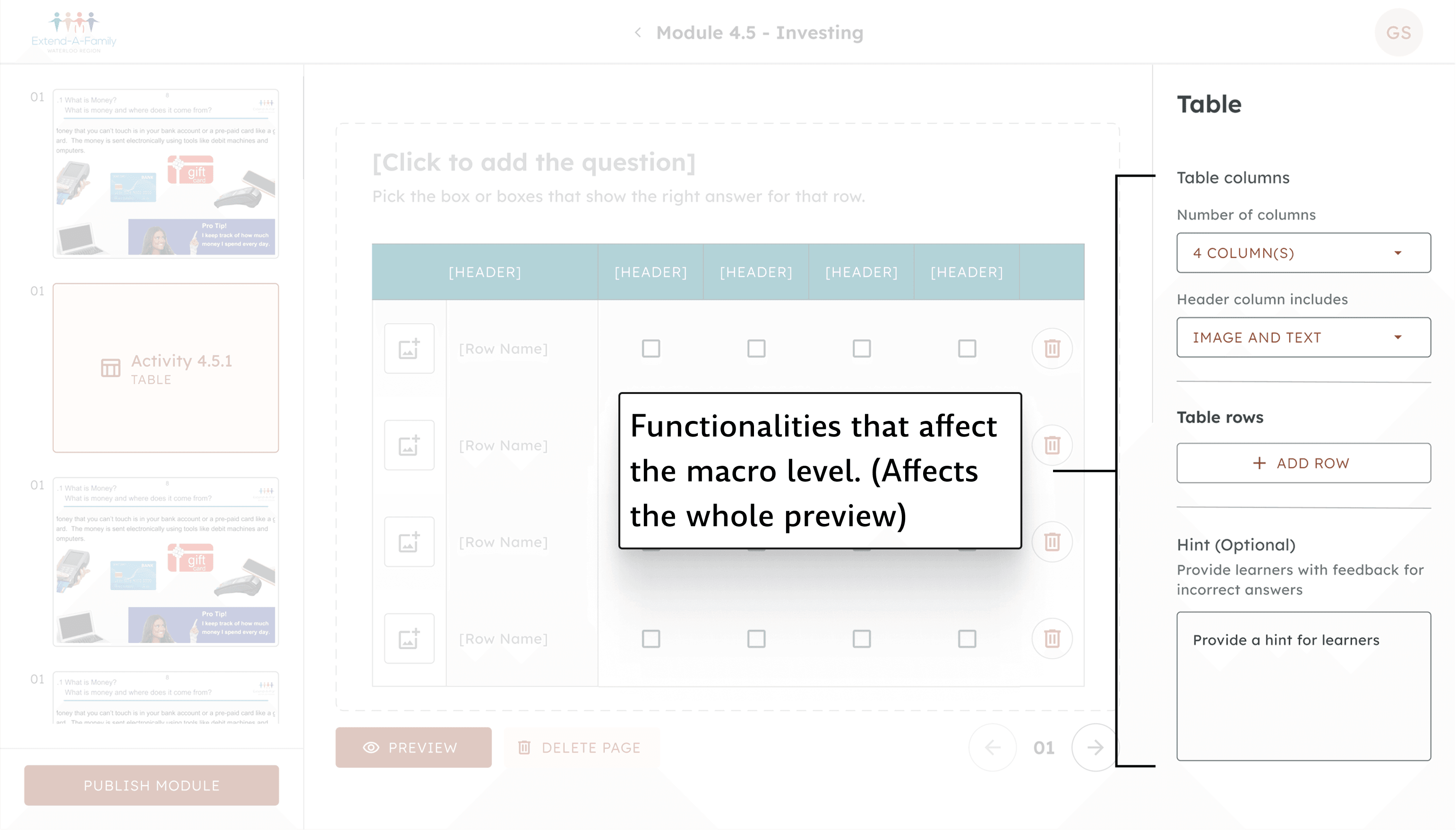
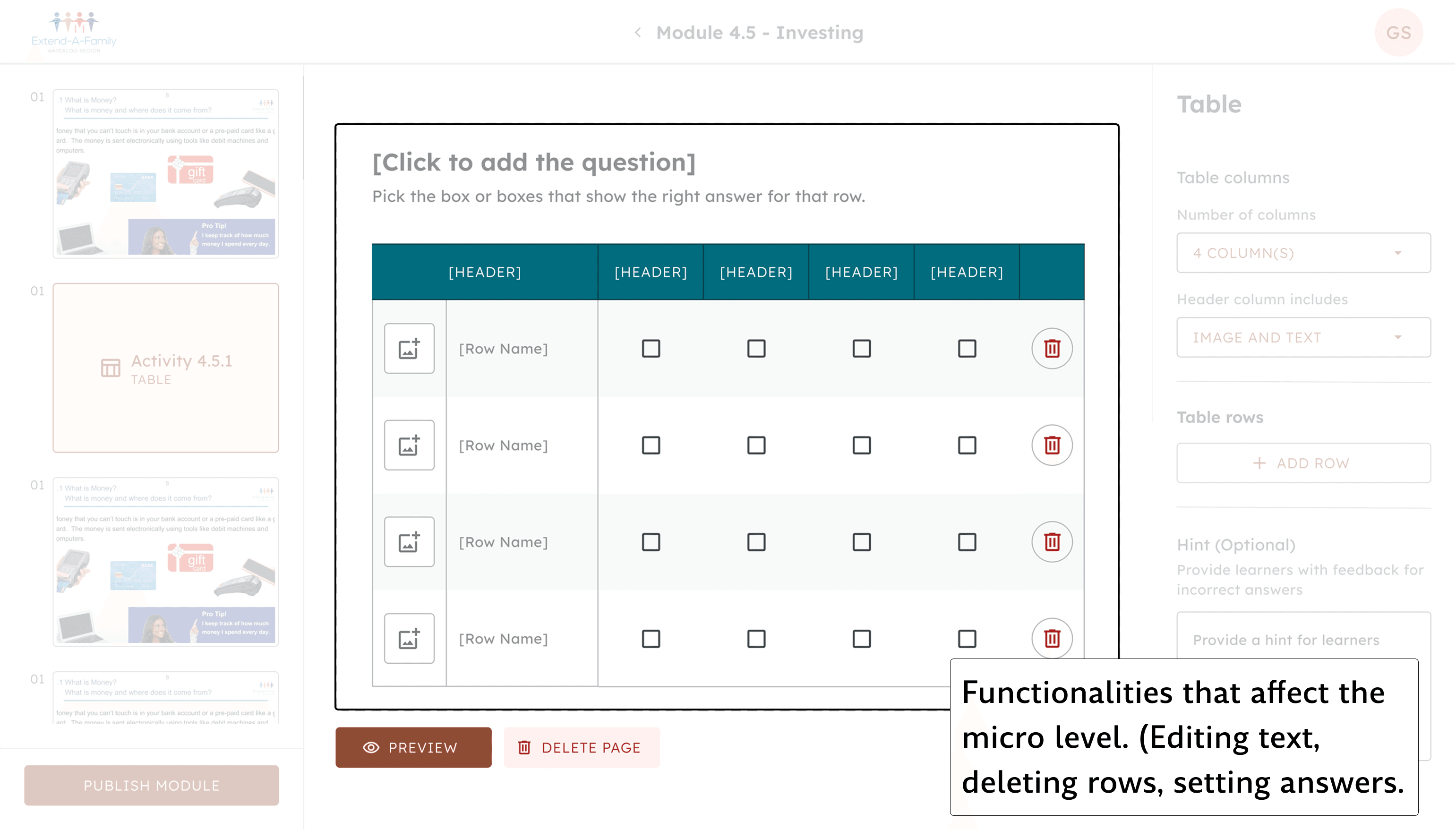
It was unclear which functionalities lie within the preview or on the side panel. e.g, setting the right answers, editing questions, etc…
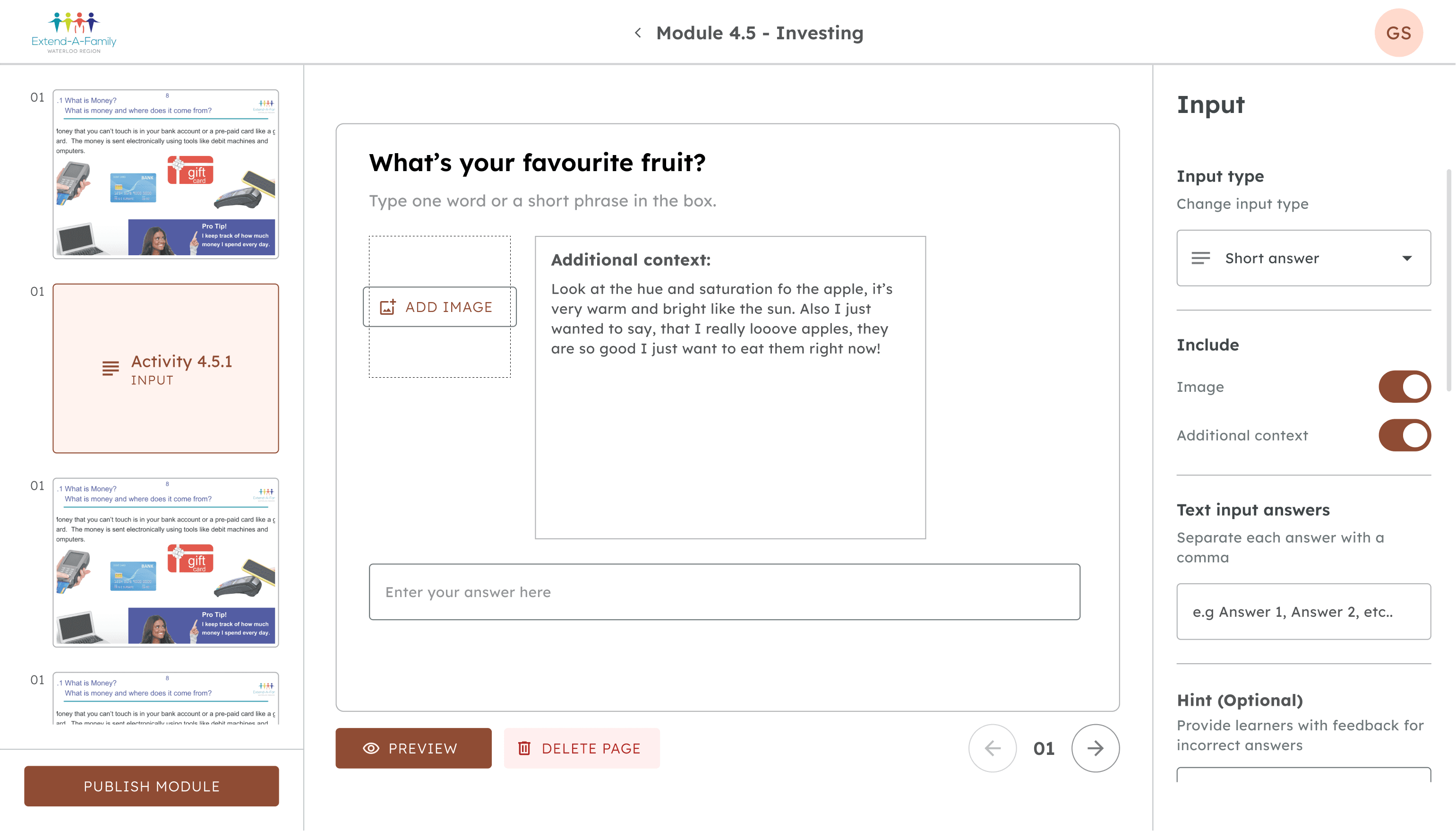
Through discussions with developers and PMs, I established that macro-related functionalities (# of rows/columns) were to be placed on the side panel and micro functionalities (editing text and answers) were placed on the preview.
With limited space, I had to find ways to include all the elements and functionality without taking away from from the designs accessibility standards
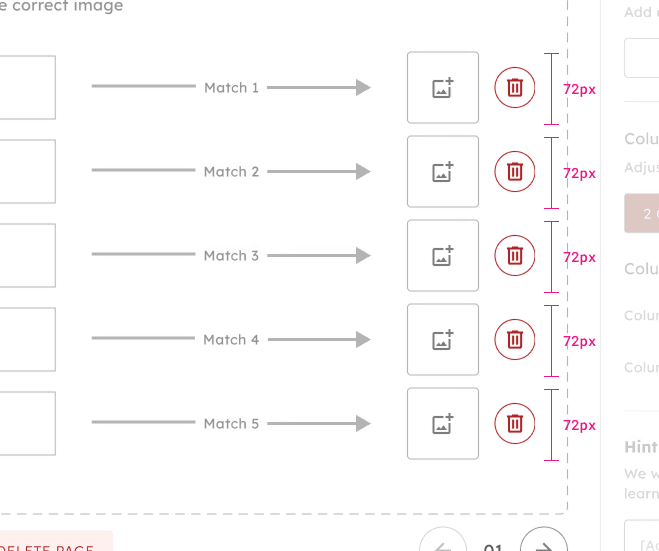
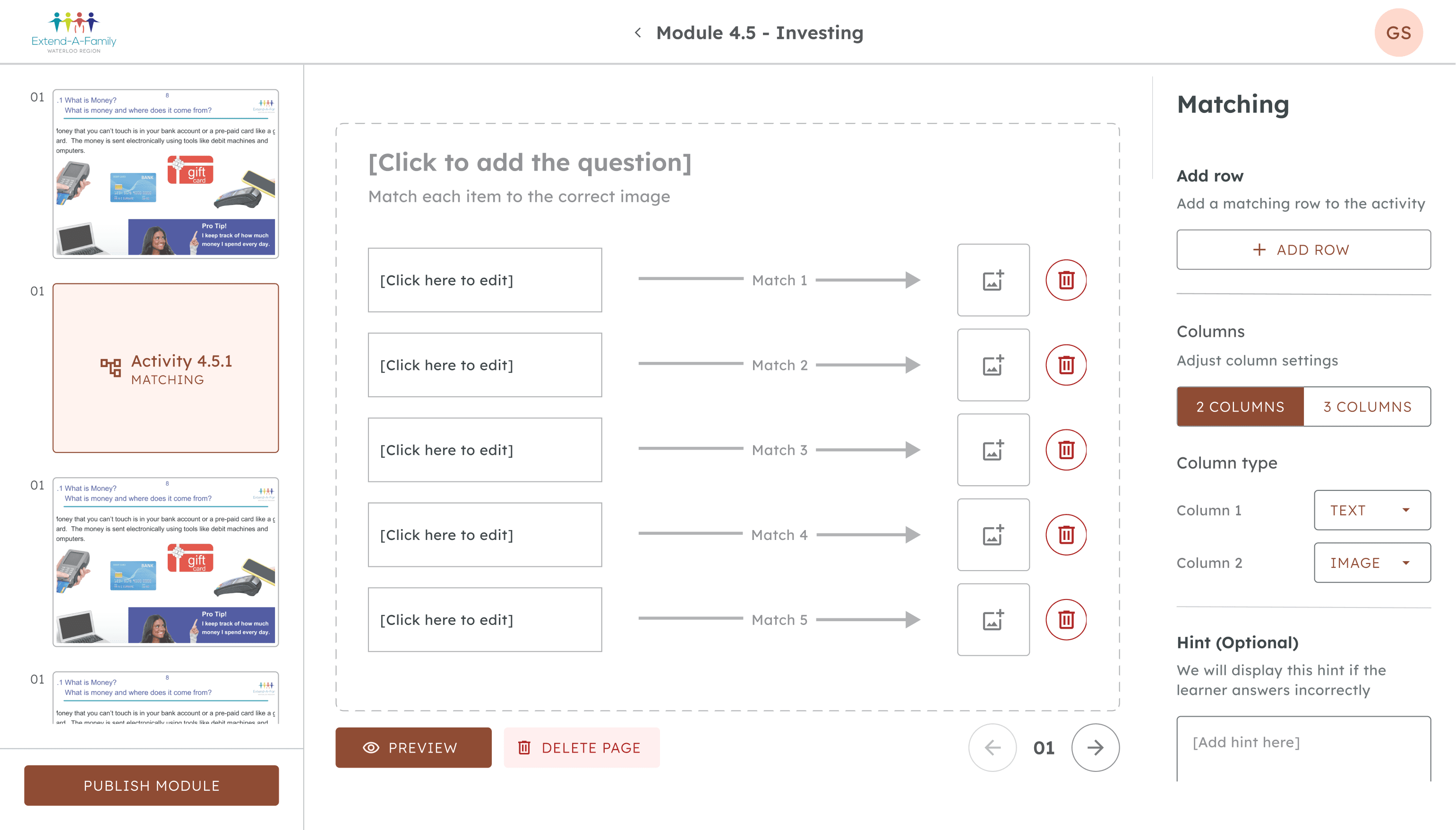
In the matching activity, there are these thumbnails that users have to match with other text or images.
I wanted to allow admins to include as many rows as possible, but I also had to ensure the thumbnails were big enough for users to see. So I collaborated with PMs to establish the minimum and maximum width and height of these thumbnails.
Developer hand-off
Are these decisions are properly communicated?
The decisions that I made to each screen was very nuanced and detailed. I knew that if I didn't communicate it properly, a lot of these tiny decisions could be lost in translation. So I did my best to actively improve the developer hand-off process throughout the terms.
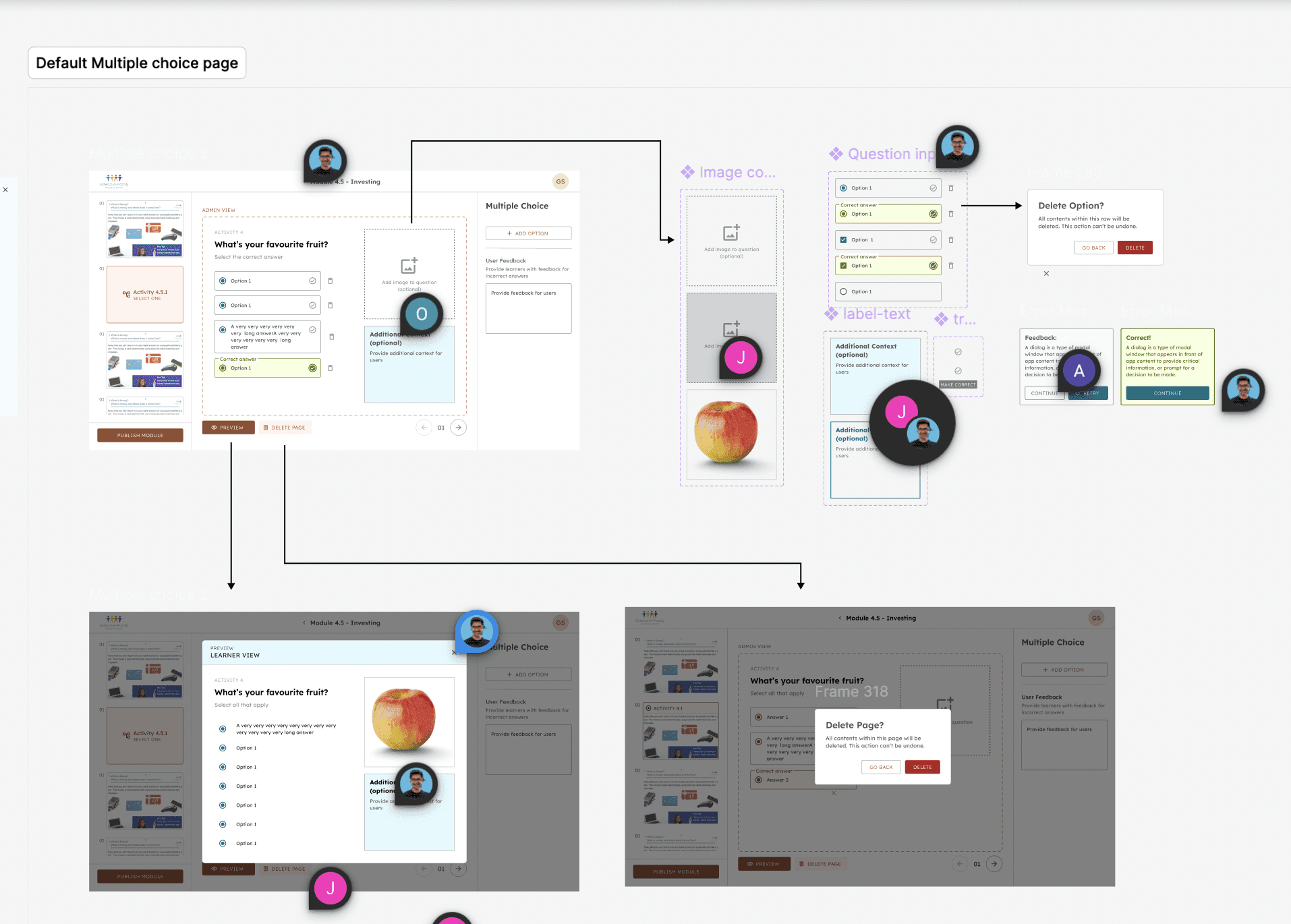
First iteration of the multiple choice hand-off page
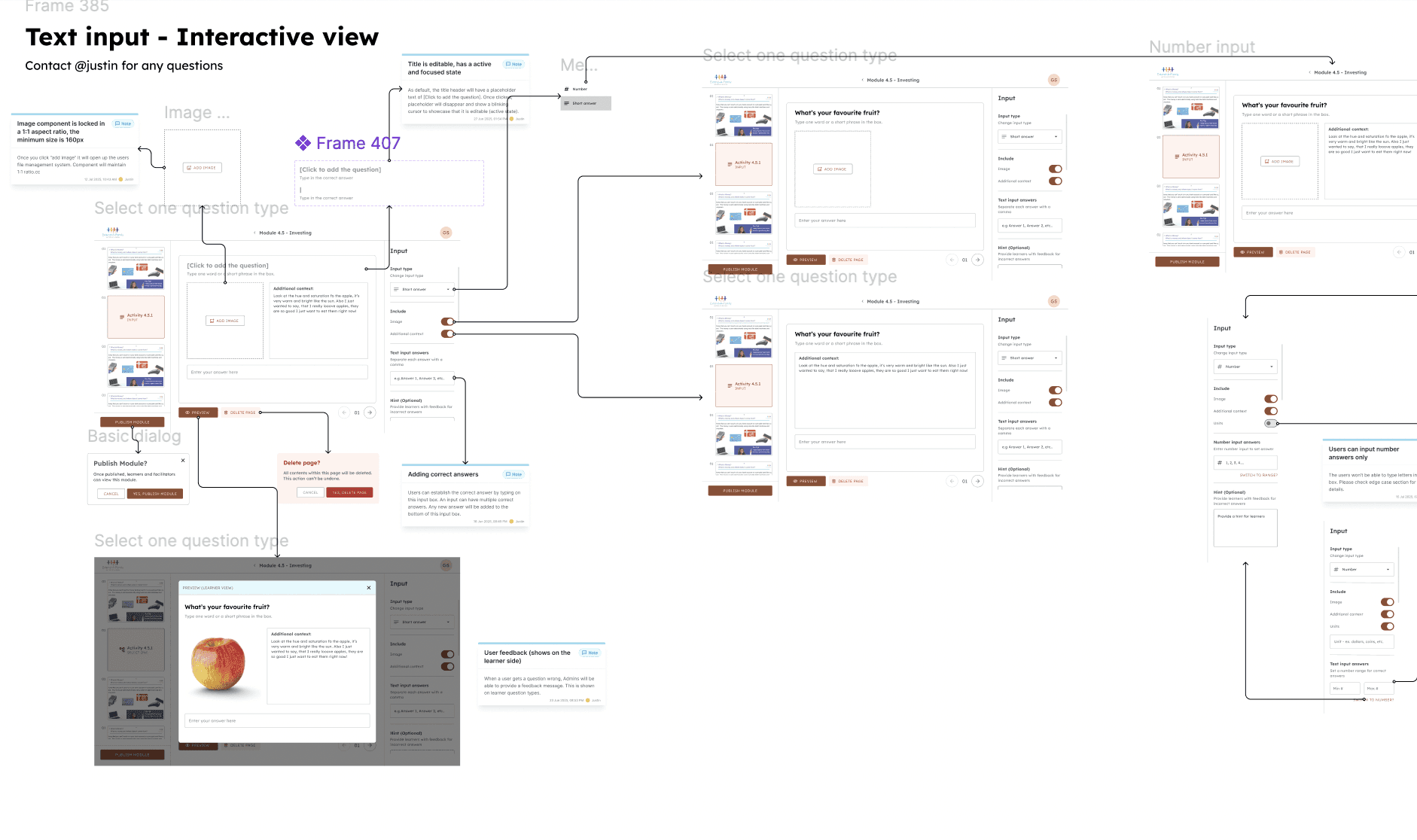
In this first iteration, I didn't account for a lot of the small interactions, hoverstates and other small nuances in the design. I realized later that this would be difficult for developers to go through.
Second iteration of the multiple choice hand-off page:
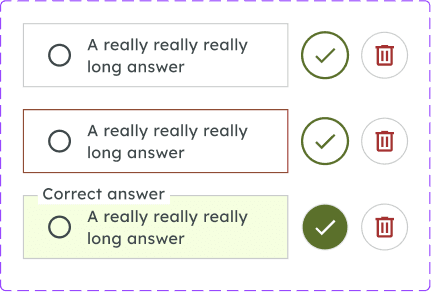
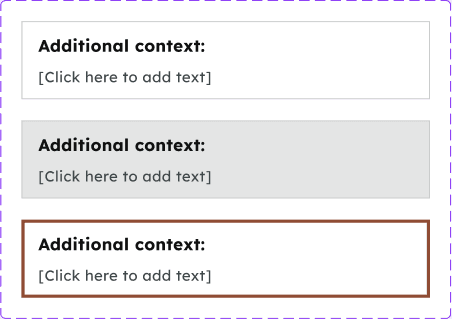
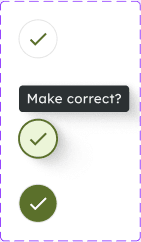
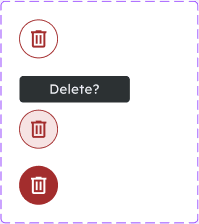
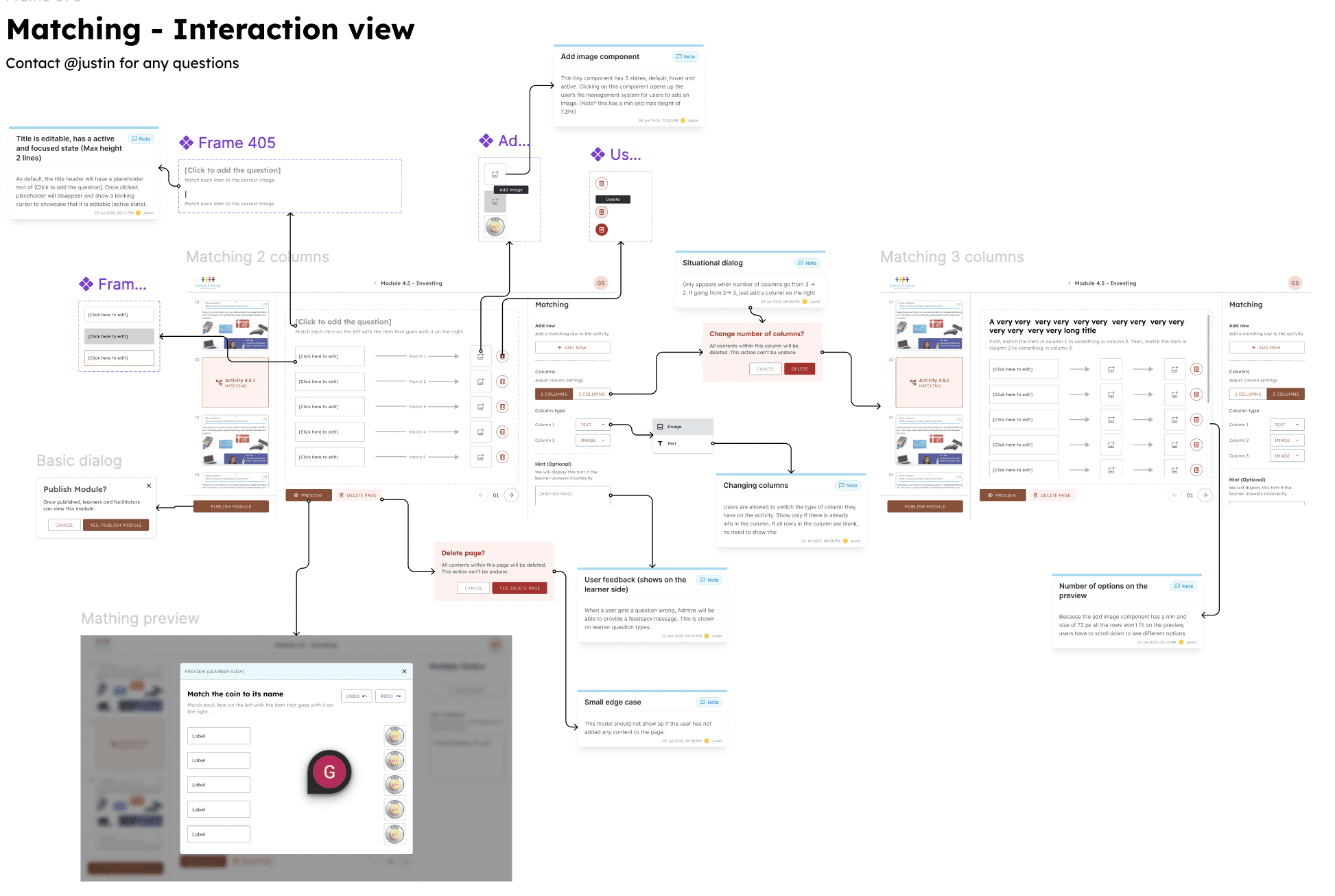
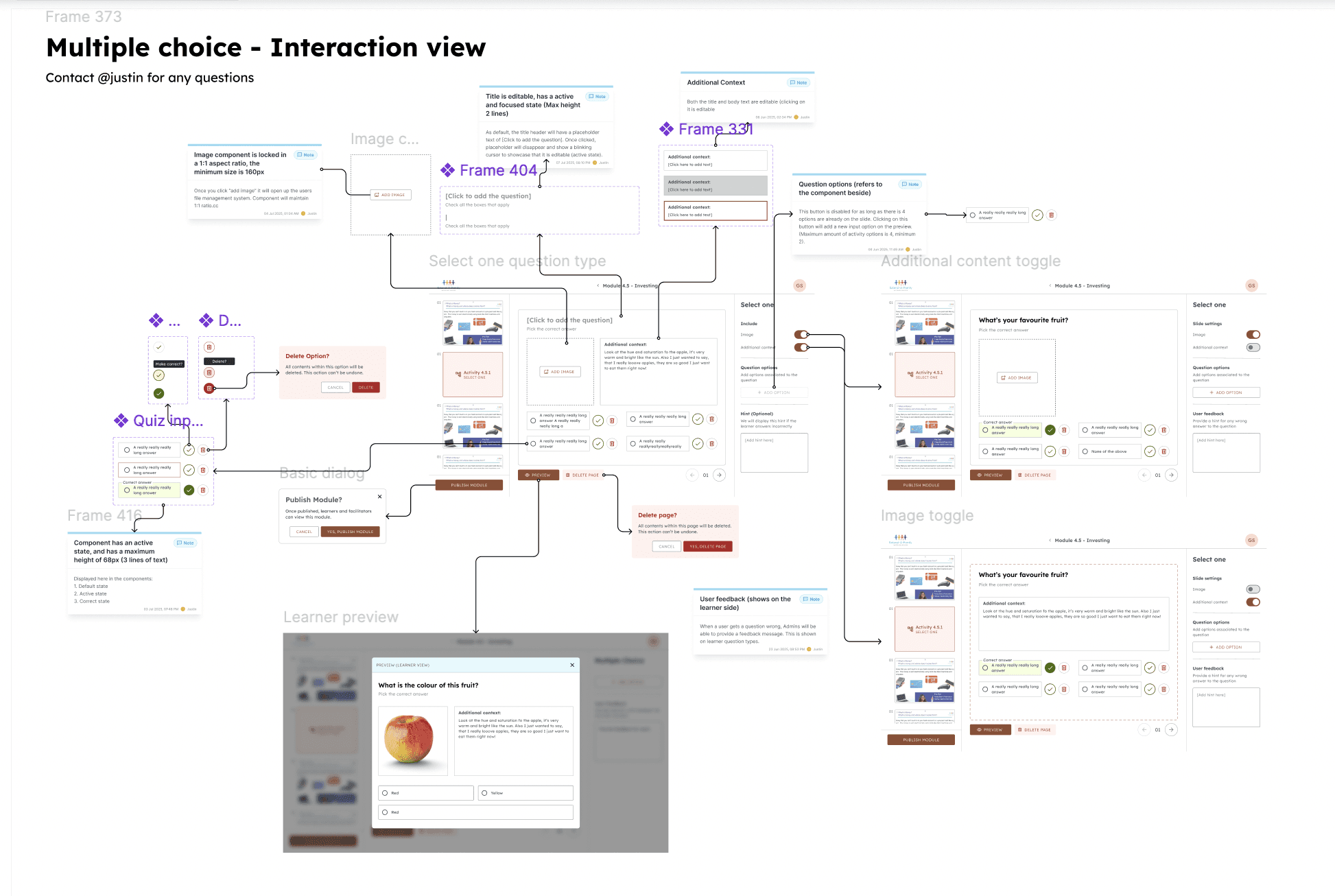
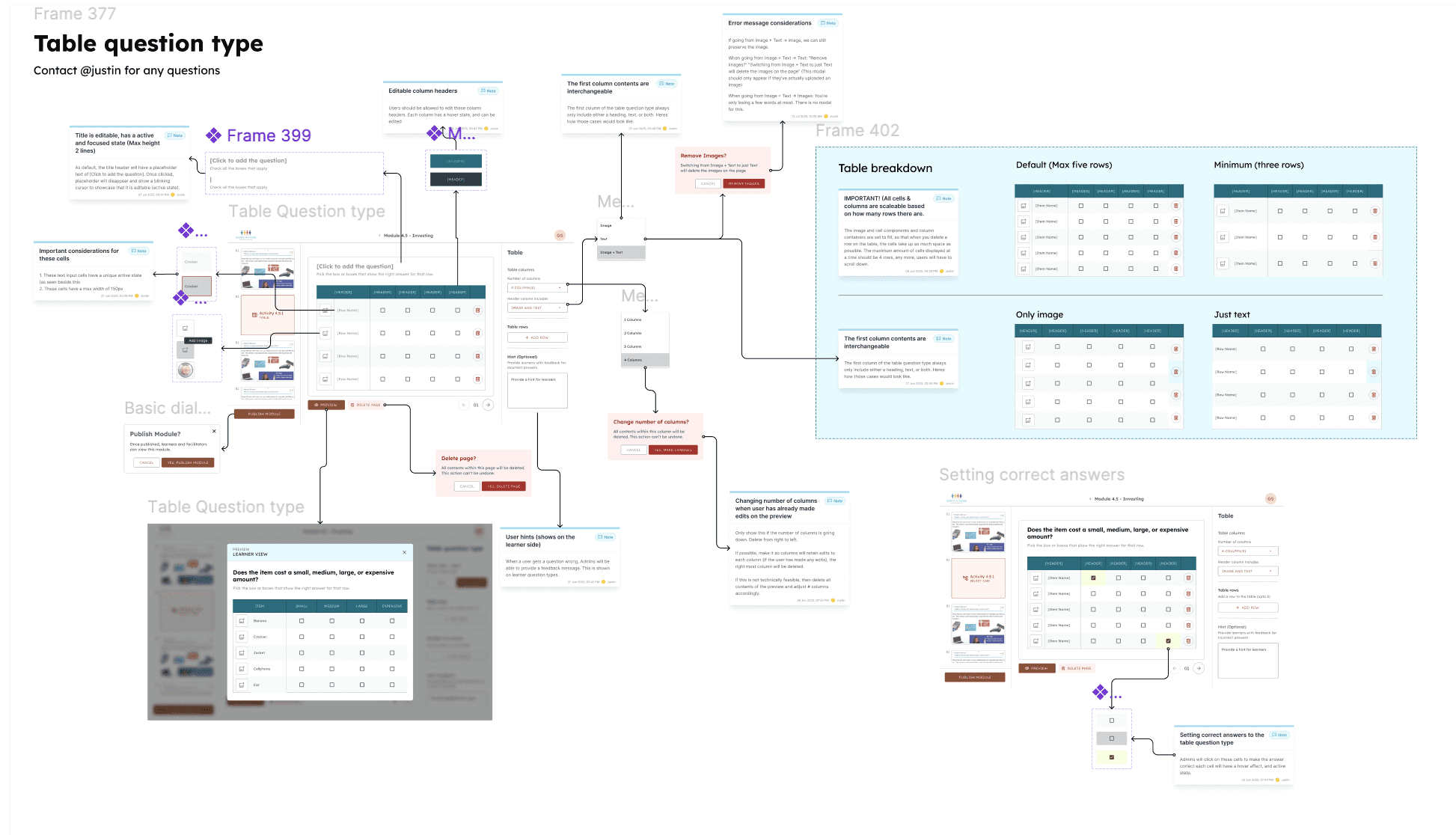
When going back I made sure to annotate and visualize every single interaction. This is what it looked like for just one of the activity types. I had to do this process for all 5 of them.
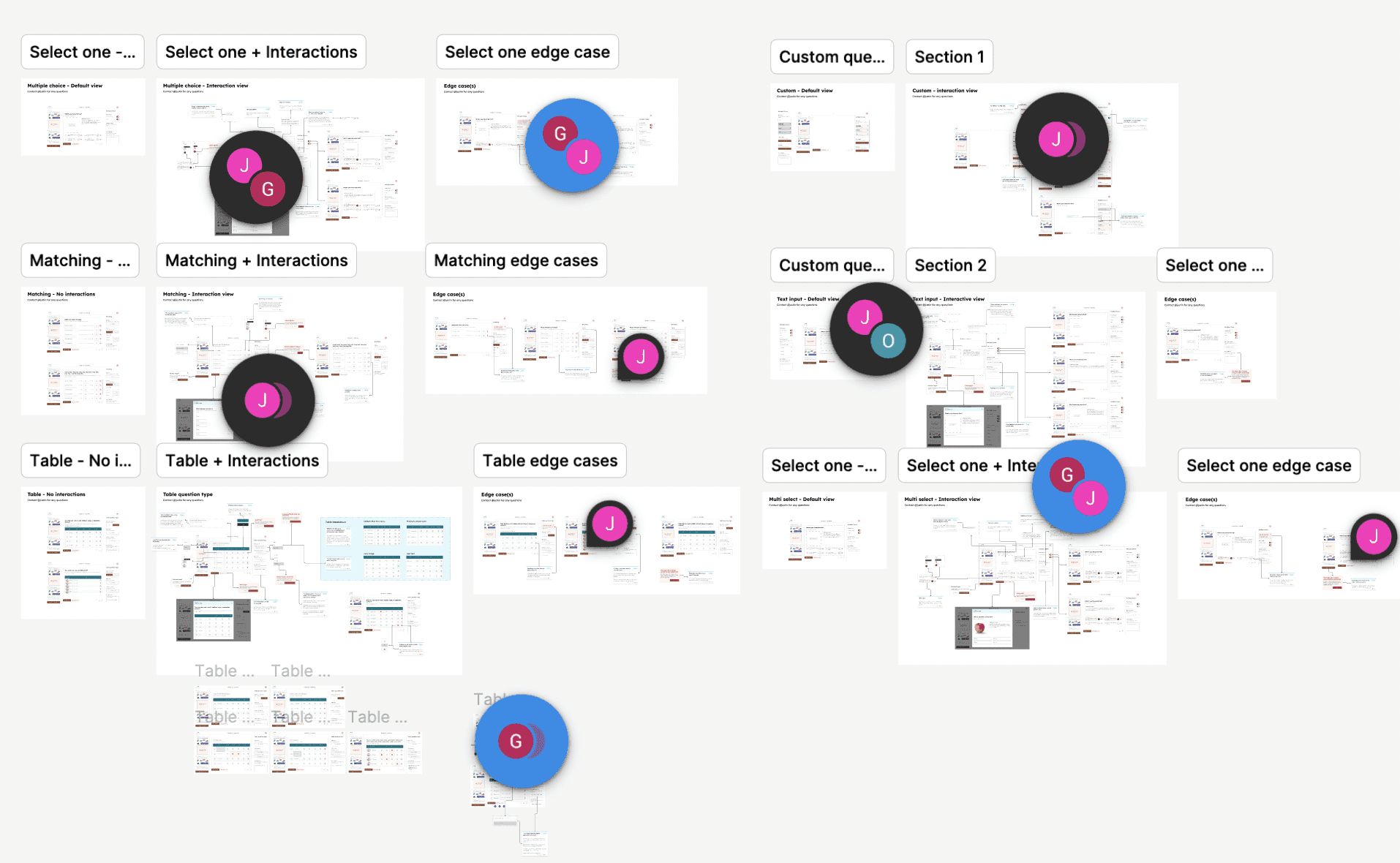
Breaking down each question type into 3 sections
To ensure clarity for the developers, I broke each question type down into 3 sections. 1. No interaction view 2. Interaction view 3. Edge cases. This way the hand-off wouldnt be too cluttered.
The end…
Devlivering the final product
This developer hand-off wasn't just completed in one sitting; rather, it was a very iterative process where I had to work with the team to continuously update. After 8 months I my work was finished and handed-off to developers.
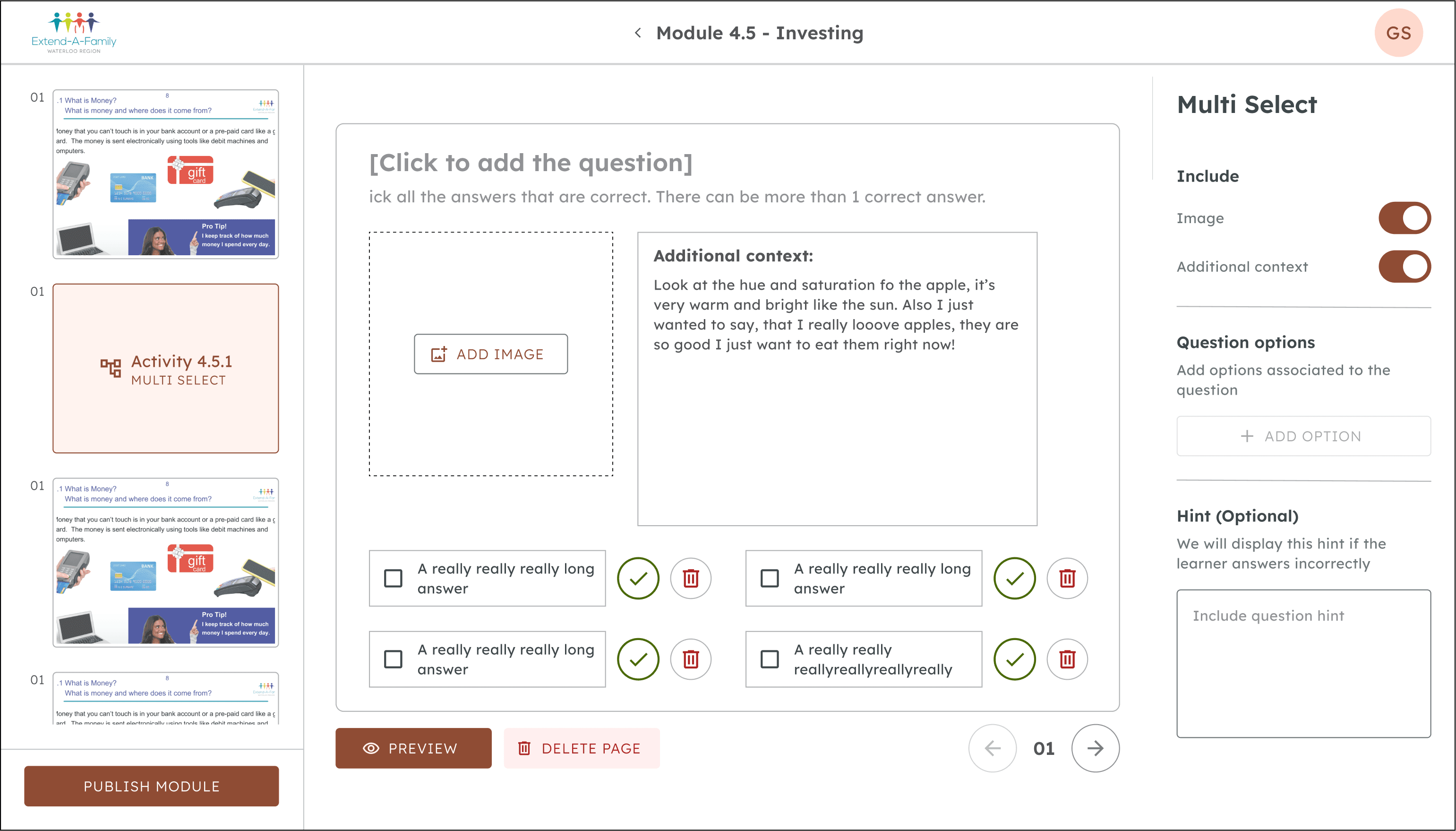
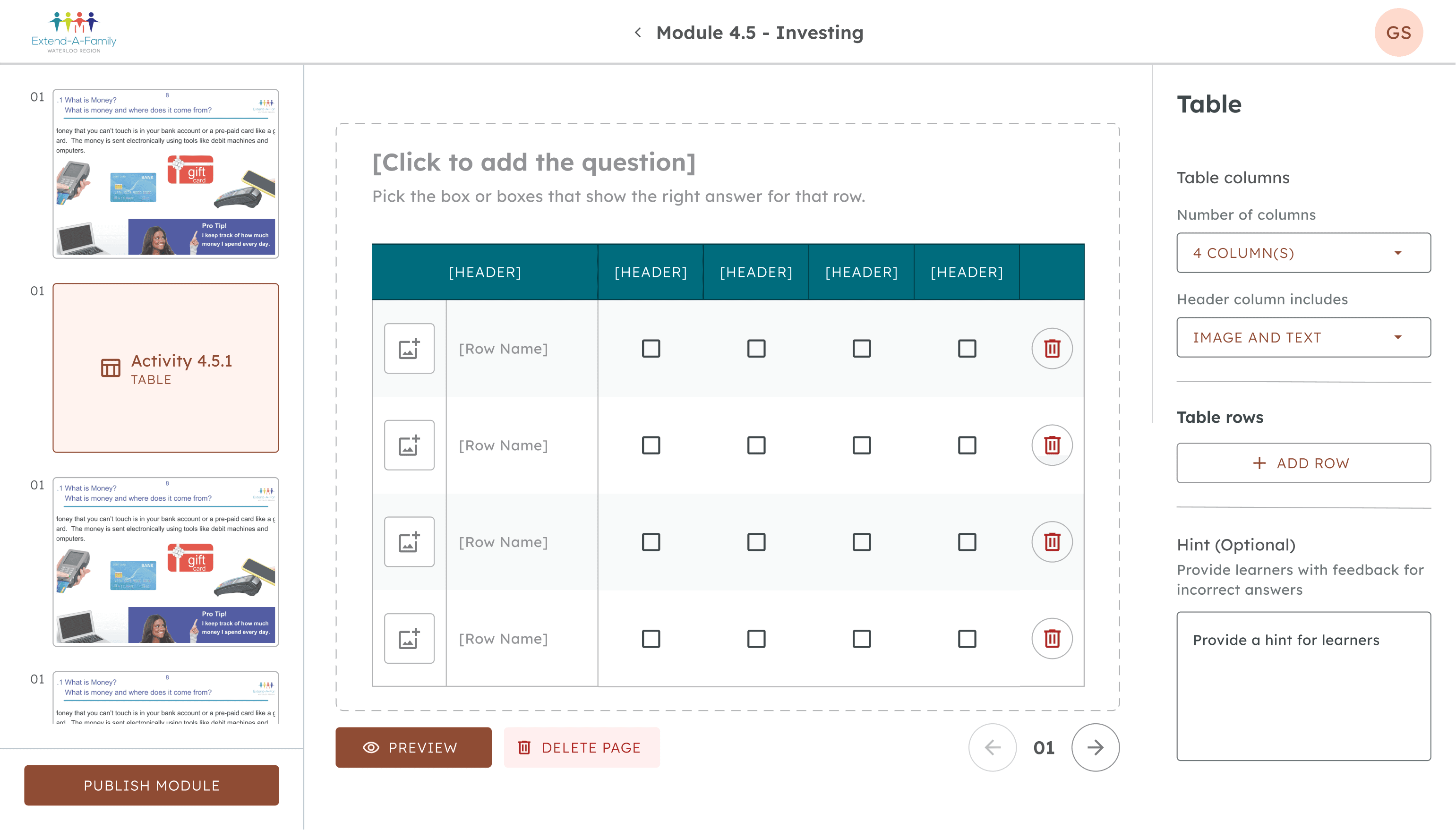
“Your annotations are beautiful wtf”
~Allen (Product designer)
“I'm sooooo impressed with the hand-off, this would be so helpful for the developers”
~Gaurav (Product manager)
"This was really useful, thank you"
~Om (Developer)
Positive reactions from the team
I received a lot of positive feedback on my work with these screens from members of the team. (They had actually said these quotes, I'm not making this up). Working on this project was an effort to make the lives of my team easier, and I'm glad it was well received.
Impacting thousands of learners across Canada with Extend-a-Family
My work served as the primary solution to Extend-a-Family's problems, and it will potentially impact thousands of individuals in learning financial literacy for years to come.
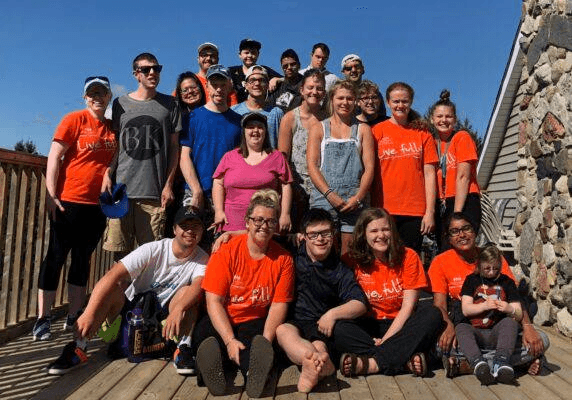
Reflection
This was one of my few real-world design projects working with actual constraints. Being at Blueprint expanded my perspective in design to create solutions that are feasibly possible from both a technical and product standpoint
In design, you're never finished
This project taught me that no matter how much you think you're done, you're probably not done yet. There's always something to do and things to polish, but it best to hand-off something first so you can get feedback early.
The end
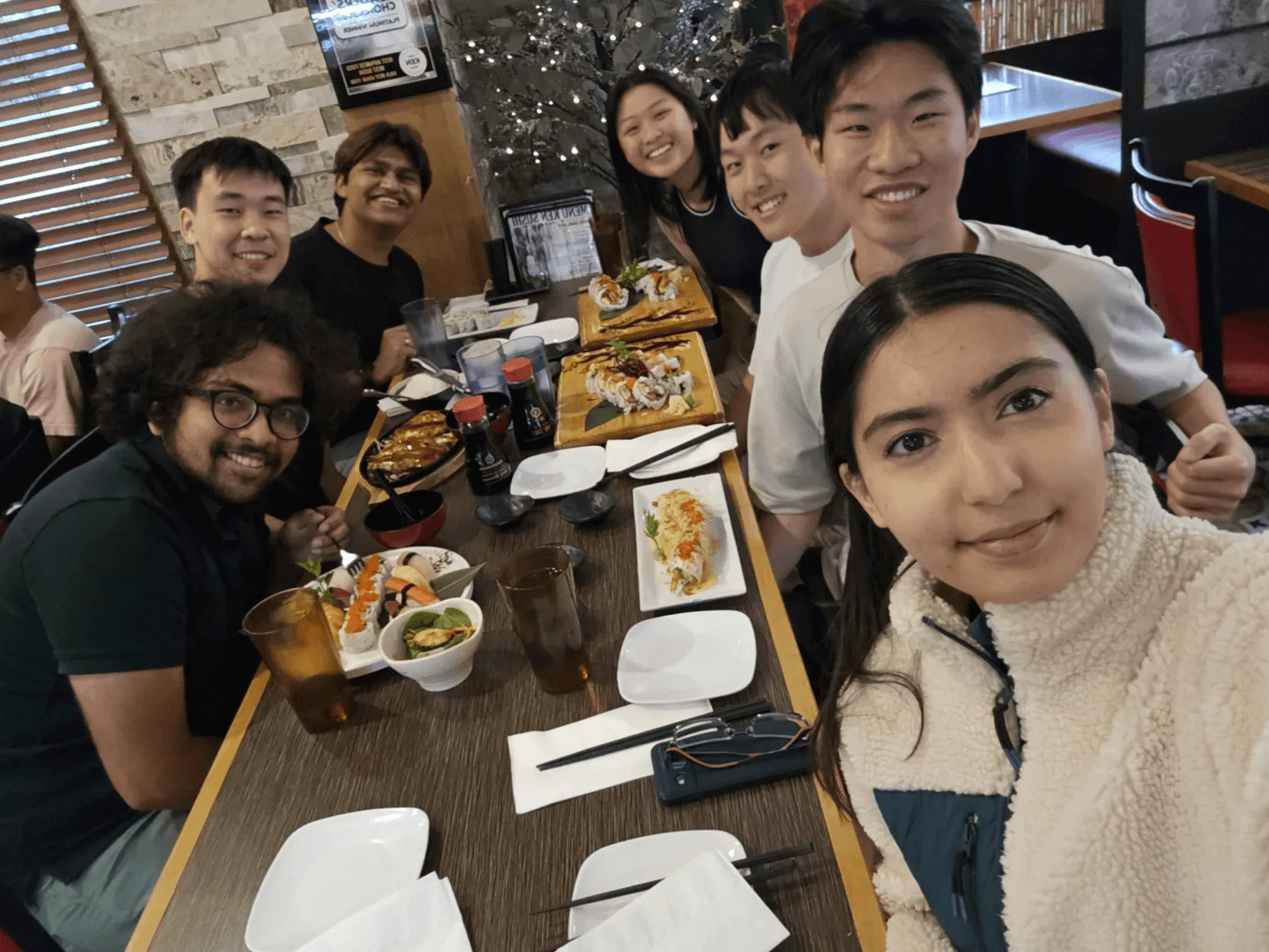
Shoutout to the team
The last 12 months working on this project were amazing, huge thank you and shoutout to everyone apart of EAF, as they made this experience so much more fun.
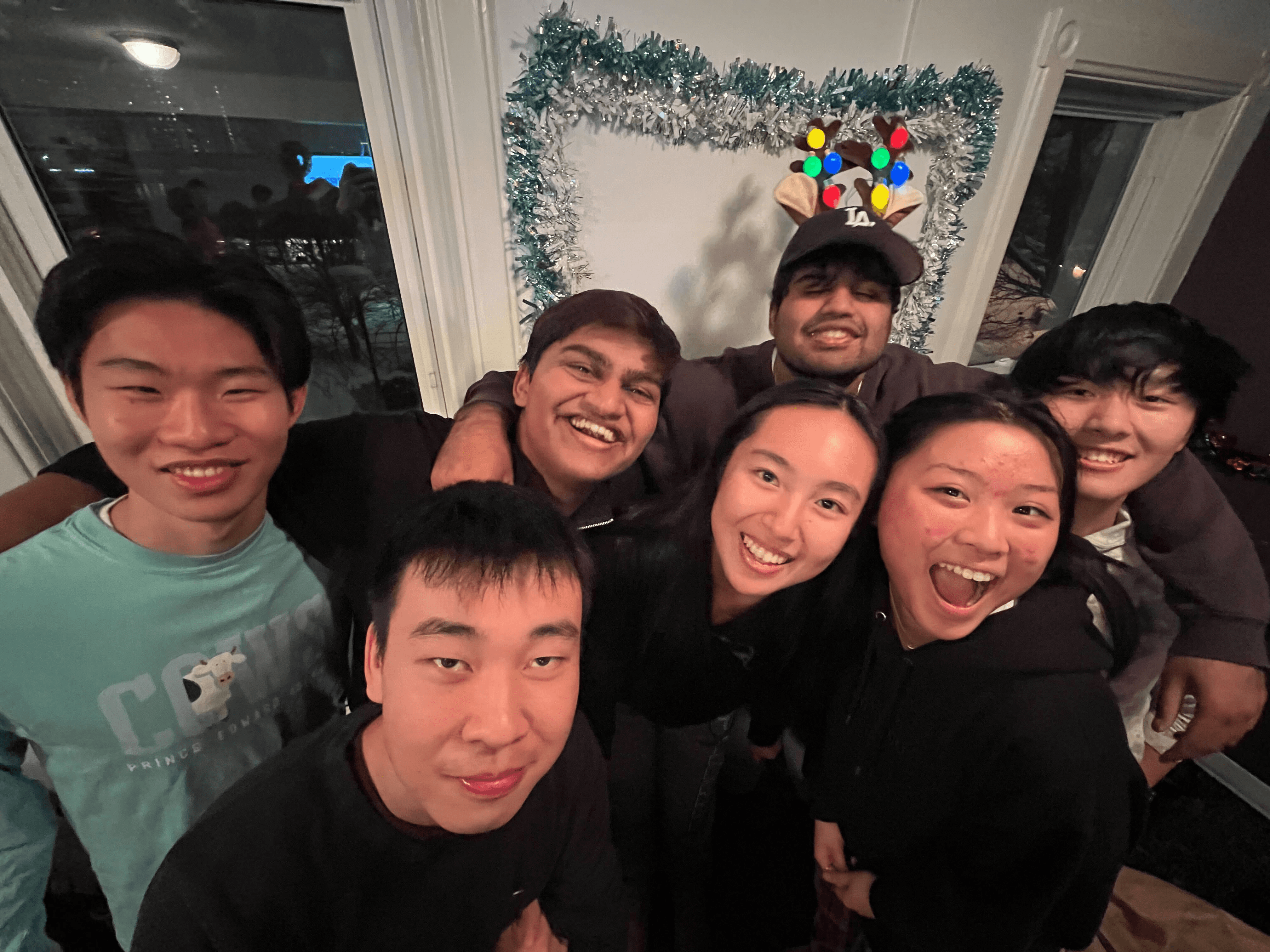
Thanks for reading :)
Checkout some of my other projects!